
WordPress malware
Wordfence says the site is clean, but it is still infected
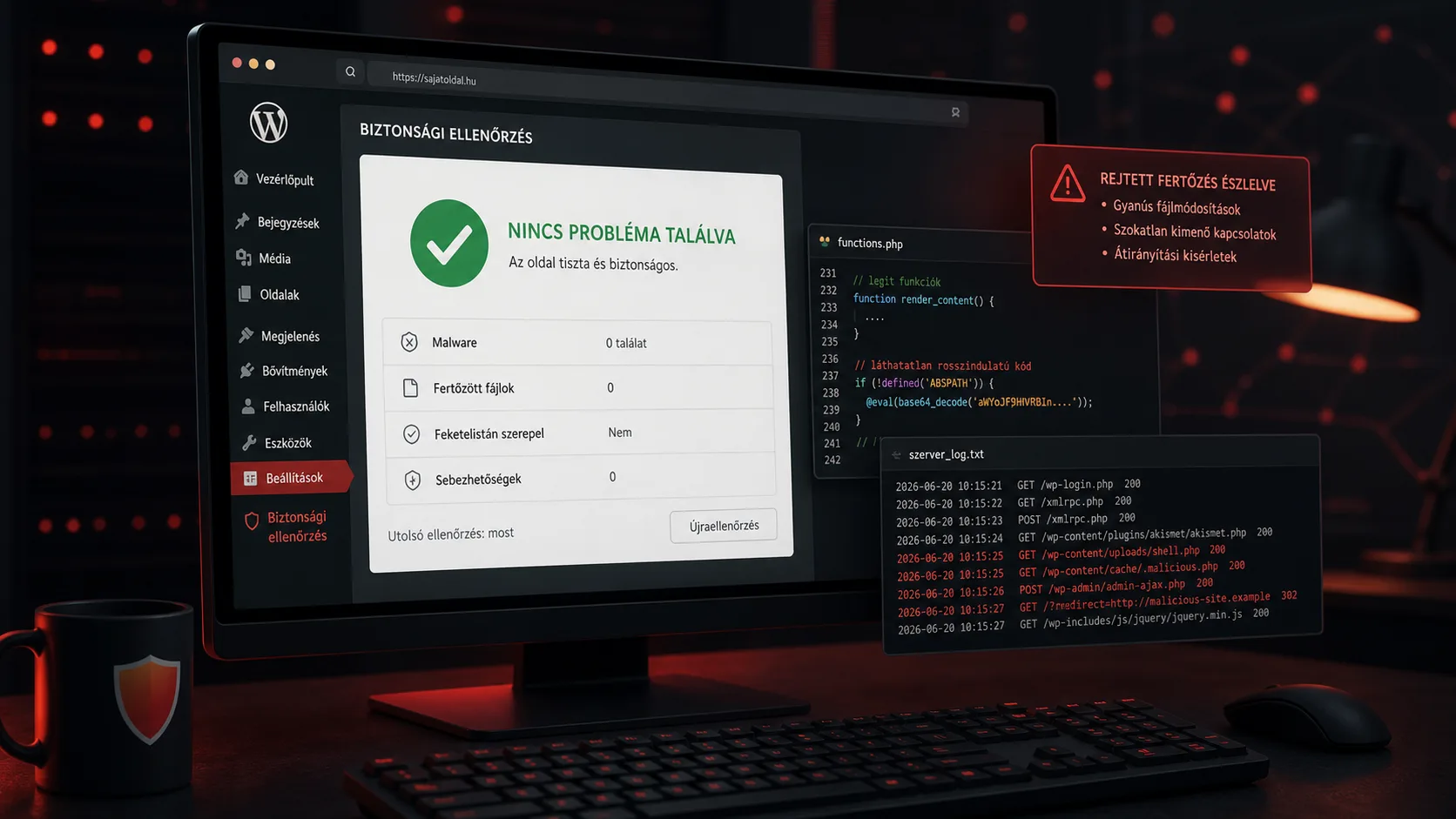
Wordfence says the site is clean, but it is still infected
It is possible for Wordfence to say a site is clean while the WordPress site is still infected. That sounds contradictory, but it happens often in real incidents. A security plugin is a useful tool, not a complete incident response process. It cannot see every layer, interpret every traffic pattern or detect every custom backdoor.
This does not mean Wordfence is useless. It means a WordPress infection has to be investigated across several layers: files, database content, server logs, HTTP requests, admin activity, cache, external scripts and visitor-specific behavior.
If visitors are redirected, Google Ads reports malicious software, Search Console shows a security issue or SEO spam pages appear, a “clean” plugin result is not enough evidence that the site is actually clean.
Symptoms that still matter
Typical cases where a plugin reports no issue but the site remains suspicious include:
- Google Ads suspends the destination for malicious software,
- Google Search Console reports a security problem,
- some visitors are redirected to another domain,
- the redirect happens only on mobile,
- the issue appears only from Google search results,
- the browser occasionally shows a warning,
- unfamiliar JavaScript appears in the page source,
- unknown admin users exist,
- suspicious PHP files appear in
uploads, - the site is cleaned once and then gets infected again.
It is also common that the agency or owner cannot reproduce the issue. Conditional malware can run only for new visitors, specific countries, mobile user agents, ad traffic or search engine referrers.
Why malware can survive a clean plugin scan
Security scanners usually look for known malware signatures, suspicious file changes and common configuration problems. That is valuable, but it has limits.
Malware may stay hidden because:
- the payload is stored in the database, not in a file,
- the malware is custom and has no known signature yet,
- the attacker modified a legitimate plugin file,
- the infection is served through cache,
- the visible code comes from an external JavaScript source,
- the payload activates only for selected visitors,
- the plugin cannot access every file due to permissions,
- the backdoor sits outside the WordPress directory,
- the malicious loader looks too small or generic to be flagged.
For example, an attacker can create a file such as:
wp-content/uploads/2026/06/cache-helper.php
The file may not contain a long obvious malware block. It may only download and execute remote code under certain request conditions. That type of loader can be harder to detect than classic base64_decode malware.
What to inspect beyond the plugin result
If the site still behaves suspiciously, inspect the environment manually:
- recently modified PHP files,
- PHP files inside
uploads, wp-content/mu-plugins,wp-config.php,- active and inactive plugins,
- theme templates and
functions.php, - unknown WordPress admin users,
- suspicious options in the database,
- injected
<script>oriframefragments, .htaccessredirects,- cron jobs,
- server access logs,
- unusual HTTP requests,
- cache and CDN output.
HTTP logs are especially important. They can show strange traffic patterns, repeated hits on hidden files, requests to vulnerable plugin endpoints or redirect behavior that a file scanner alone cannot explain.
File dates are not enough
Many owners try to find malware by sorting files by modification date. That can help, but it is not reliable. Attackers can preserve timestamps, modify old files, write into the database or load code from outside the file system.
File date analysis should be only one signal. It works best when combined with:
- known-good file comparison,
- checksums,
- access logs,
- database inspection,
- user audit,
- request reproduction from multiple environments.
Backups can help, but they do not prove safety
A backup is useful if the site is broken or files need to be compared. But restoring a backup does not automatically solve the incident. If the entry point is still open, the site may be reinfected.
This is the classic problem: the site is cleaned, then a vulnerable plugin, leaked password, XML-RPC abuse or admin panel login brings the infection back a few days later. The owner feels the cleanup failed, while the person who cleaned the site knows a new compromise path was left open.
The lasting fix is to identify the entry point and close it, not only delete suspicious files.
How WebShield approaches this
WebShield uses file inspection, request analysis and advanced logging to understand where an infection starts. If the infection keeps returning, the key question is not only “which file is infected?” but “how does the attacker create or trigger it?”
That is where logs matter. They can show whether the first suspicious action came through a plugin endpoint, admin login, XML-RPC, uploaded file, cache layer or direct PHP request. Once the starting point is clear, the fix can be targeted instead of repetitive cleanup.
When to escalate
Ask for expert help if:
- Google Ads or Search Console still flags the site,
- visitors report redirects you cannot reproduce,
- malware returns after cleanup,
- the infection affects revenue-generating pages,
- multiple plugins disagree,
- the site has client, order or lead data.
A clean plugin scan is helpful information. It is not a final verdict.