
WordPress SEO spam
Why do Chinese characters appear in Google under my website?
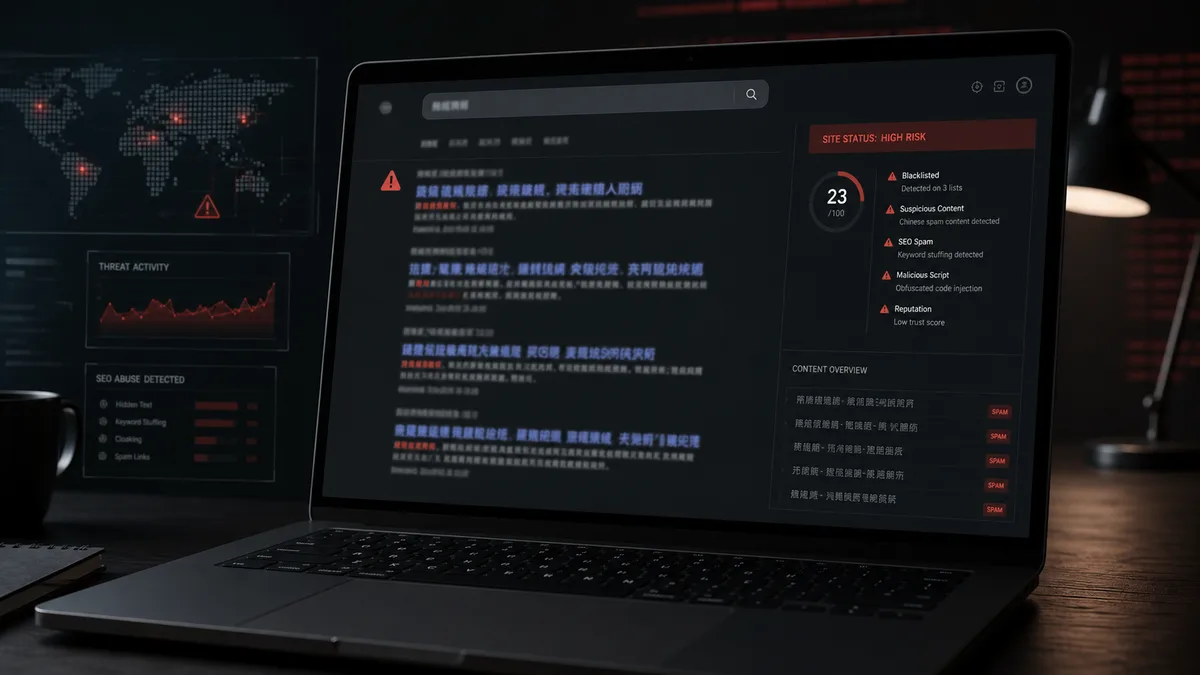
Why do Chinese characters appear in Google under my website?
If Chinese characters appear in Google under your website, and you never published such content, treat it as a security incident. It is usually not a translation issue and not a random Google mistake. In most cases it is WordPress SEO spam: an attacker uses your trusted domain to publish or generate foreign-language search results.
The website may still look normal when you open it directly. The admin area may work. The first visible sign is often a site:example.com search showing unfamiliar titles, snippets or URLs. Search Console may also report hundreds of new pages you did not create.
Do not start by removing URLs from Google. First stop the compromised website from producing the spam.
Common symptoms
Typical indicators include:
- Chinese, Japanese or unrelated foreign-language titles in Google,
- casino, pills, crypto or adult snippets under your domain,
- results that redirect only when clicked from Google,
- unknown URLs in Search Console,
- fake pages in a sitemap,
- normal-looking pages when visited directly,
- Google Ads or Safe Browsing warnings,
- a security plugin saying the site is clean while Google still shows spam.
This overlaps with the broader problem of Google indexing spam pages from your website, but the foreign-language snippet is the symptom most owners notice first.
How the attack works
Attackers want to borrow the authority of a legitimate domain. Instead of ranking a new spam domain, they compromise an existing WordPress website and make it produce search-friendly junk pages.
Common techniques include:
- uploading PHP through a vulnerable plugin,
- using a stolen admin password,
- modifying
.htaccess, - creating fake must-use plugins,
- injecting spam into the database,
- serving different HTML to Googlebot,
- adding cron jobs that recreate deleted spam,
- redirecting visitors based on referrer or user agent.
This is why deleting visible pages is rarely enough. If the generator remains, the spam will return.
Indicators of compromise
Inspect these locations carefully:
wp-content/uploads/
wp-content/cache/
wp-content/mu-plugins/
wp-content/plugins/unknown-plugin/
.well-known/
Suspicious filenames may include:
index.php
class-seo-cache.php
wp-sitemap-helper.php
cache-loader.php
content-api.php
Code patterns to review:
eval(...)
base64_decode(...)
gzinflate(...)
str_rot13(...)
file_get_contents('https://...')
These functions are not always malicious by themselves. Context matters: file location, package origin, timestamp, owner and surrounding code.
How to investigate
Save examples from Google first: URL, title, snippet and behavior after clicking. Then use Search Console URL Inspection to see what Google receives.
Review:
- admin users and application passwords,
- recently installed or modified plugins,
- theme files,
- PHP files under
uploads, - access logs around suspicious POST requests,
- WordPress cron events,
- database posts and options,
- sitemap output and canonical tags.
If the malware targets only Googlebot, your browser may not reproduce the problem. Server logs and Search Console become more important than visual inspection.
Cleanup order
Use a controlled cleanup sequence:
- Create a forensic backup of the infected state.
- Identify the file, plugin, database entry or rule producing the spam.
- Replace WordPress core from official sources.
- Reinstall plugins and themes from trusted sources.
- Remove unknown administrators and application passwords.
- Rotate WordPress, hosting, SFTP and database credentials.
- Clear application, server and CDN caches.
- Make spam URLs return
404or410. - Submit a clean sitemap in Search Console.
If paid traffic is affected, also follow the steps in our guide about Google Ads malware suspensions.
When to call an expert
Get help if hundreds or thousands of foreign-language results exist, if deleted pages come back, if the entry point is unclear, or if the site handles leads, orders or personal data. WebShield checks files, database records, users, cron events, redirects and HTTP logs, not just the visible spam snippets.
Managed WordPress protection is designed to turn cleanup into ongoing monitoring, backups, logging and fast expert response.
Conclusion
Chinese characters in Google under your domain usually mean SEO spam, not a harmless indexing glitch. Clean WordPress first, remove backdoors and persistence, then ask Google to recrawl clean responses. Search Console can help with recovery, but it cannot disinfect the server.