Prevention
AI-assisted firewall rules, a global blocklist, vulnerability monitoring and managed updates reduce the likelihood of a successful attack.
 WebShield
WebShield continuously monitors, backs up and protects your WordPress site. When an alert or infection occurs, a security expert investigates and handles the problem.
Built on experience protecting more than 200 websites every day.
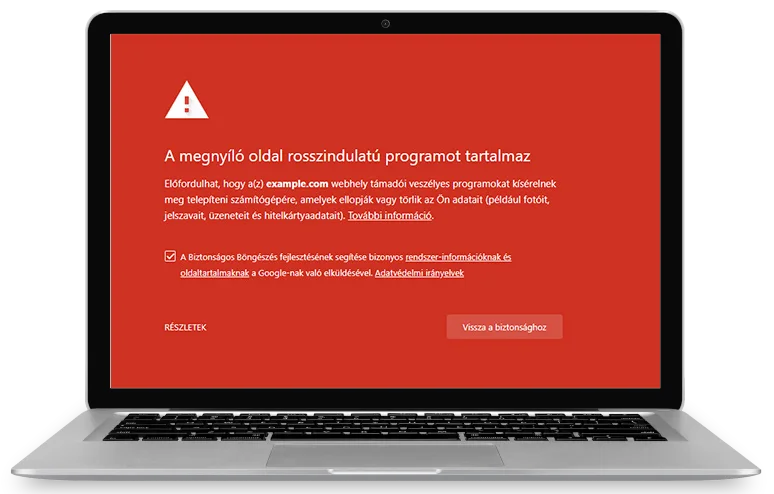
You receive an operated security service, not another alert dashboard.
AI-assisted firewall rules, a global blocklist, vulnerability monitoring and managed updates reduce the likelihood of a successful attack.
File, database and HTTP event analysis helps identify unusual behavior and understand where an attack started.
Backups every 2 hours and expert intervention support fast restoration and help close the cause of reinfection.
A plugin is an important tool, but it does not interpret alerts, investigate incidents or complete recovery for you.
Websites where downtime, data loss or loss of trust has a real business impact.
WordPress sites that support lead generation, sales and customer trust.
WooCommerce systems processing orders and personal information.
Consistent protection and expert support across multiple client sites.
Teams that need availability but do not have a dedicated incident response function.
Installation is fast, with clear responsibility and response procedures.
Select the plan that matches your number of sites and support needs.
After activation, we verify connectivity, backups and protection.
The system monitors events and we intervene when an incident requires expert action.
A plugin is a useful layer, but someone still has to handle alerts, updates, backups and incidents. Managed protection includes that expert work.
Yes. A backup supports recovery but does not prevent an attack, identify its entry point or guarantee that the stored copy is clean.
During the subscription, we investigate the event, remove malware, restore operation and use available logs to address the starting point.
WebShield creates backups every 2 hours to keep the potential data-loss window small.
Choose managed WordPress protection or request SOS recovery if the damage has already happened.