
WordPress malware investigation
Free WordPress antivirus tools - do they really work?
Free WordPress antivirus tools - do they really work?
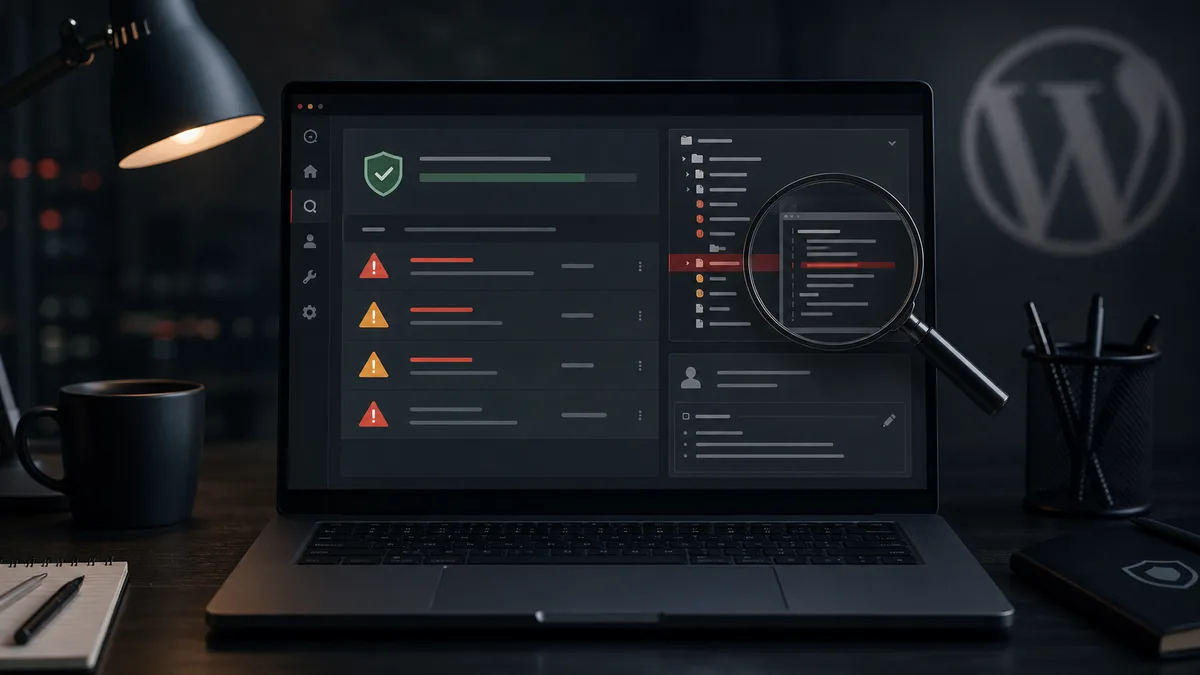
A free WordPress antivirus tool can be a useful first signal. That is the right expectation. If it finds a suspicious file on an infected WordPress site, you have a lead. If it finds nothing, the site may still be compromised.
This is where many site owners make a bad call. "No detection" does not mean "clean". A WordPress virus can be new, custom, obfuscated, stored in the database or activated only for selected visitors. A free plugin will not always catch that.
What a free scanner is good at
It checks known patterns. A WordPress malware scanner may detect old malware fragments, suspicious PHP functions, modified core files, common backdoors and obvious webshells in strange folders.
That has value. If a scanner flags wp-content/uploads/2026/07/index.php, take it seriously. Executable PHP inside uploads is rarely normal.
The problem starts when the scanner becomes the decision-maker. A WordPress antivirus plugin does not understand the history of the site. It cannot know whether an admin account is legitimate, why a plugin file changed, or whether a scheduled task belongs to the business.
What scanners often miss
An infected WordPress site does not always contain a neat list of ugly PHP files. The compromise can be quieter.
Common misses include:
- attacker-created admin accounts,
- application passwords,
- JavaScript injected from the database,
- fake plugins with harmless names,
- malware that activates only for search traffic,
- cron jobs that recreate deleted files,
- forged file timestamps.
In those cases the scanner sees only a fragment, if anything. A stronger answer needs logs, database review, user review, file comparison and HTTP request analysis. We covered this in more detail here: how to know if a WordPress site has malware.
When free tools help
They help during triage. A scanner can show whether there is an obvious infection, whether WordPress core files were modified, or whether a known malware signature exists. For agencies, it can also provide a quick first pass across many client sites.
But the result still needs interpretation. If it finds a file, do not just click delete. Check what the file is, how it appeared, whether logs show requests to it, and whether another access path remains.
If it finds nothing but Google shows foreign-language spam, the browser redirects visitors, or the hosting provider reports malware, the symptom matters more than the green checkmark.
The worst way to use a scanner
The worst path is simple: run a free WordPress antivirus plugin, delete three files, declare victory. Passwords stay the same. The unknown admin stays. The vulnerable plugin stays. Nobody reads the logs.
That is how a WordPress virus returns a week later. The owner feels the issue was not solved. The developer feels they did what the tool suggested. The attacker just uses the same door again.
If this already happened, read our article about why WordPress gets reinfected after cleanup.
What to do when a scanner finds something
Do not rush. Save the file, record its path, check the timestamp and search access logs for direct requests to it.
Then review:
- administrator users,
- application passwords,
- active plugins,
mu-plugins,- PHP files under
wp-content/uploads, .htaccess,- cron events,
- Search Console warnings.
If that sounds like a lot, that is because proper WordPress malware cleanup is more than file deletion. WebShield managed WordPress protection adds what a free scanner lacks: logging, interpretation, response and follow-up.
When is a free antivirus enough?
For a first look. For finding obvious suspicious files. For a quick WordPress malware check that confirms something deserves attention. For closing a real incident on a revenue-generating site, rarely.
If the site handles leads, orders, paid traffic or customer data, the question is not whether a plugin is free. The question is whether the entry point and every backdoor are gone.
A scanner is a flashlight. Useful, but it does not clean the room by itself.