
WordPress security
Managed WordPress security vs a security plugin - which is better?
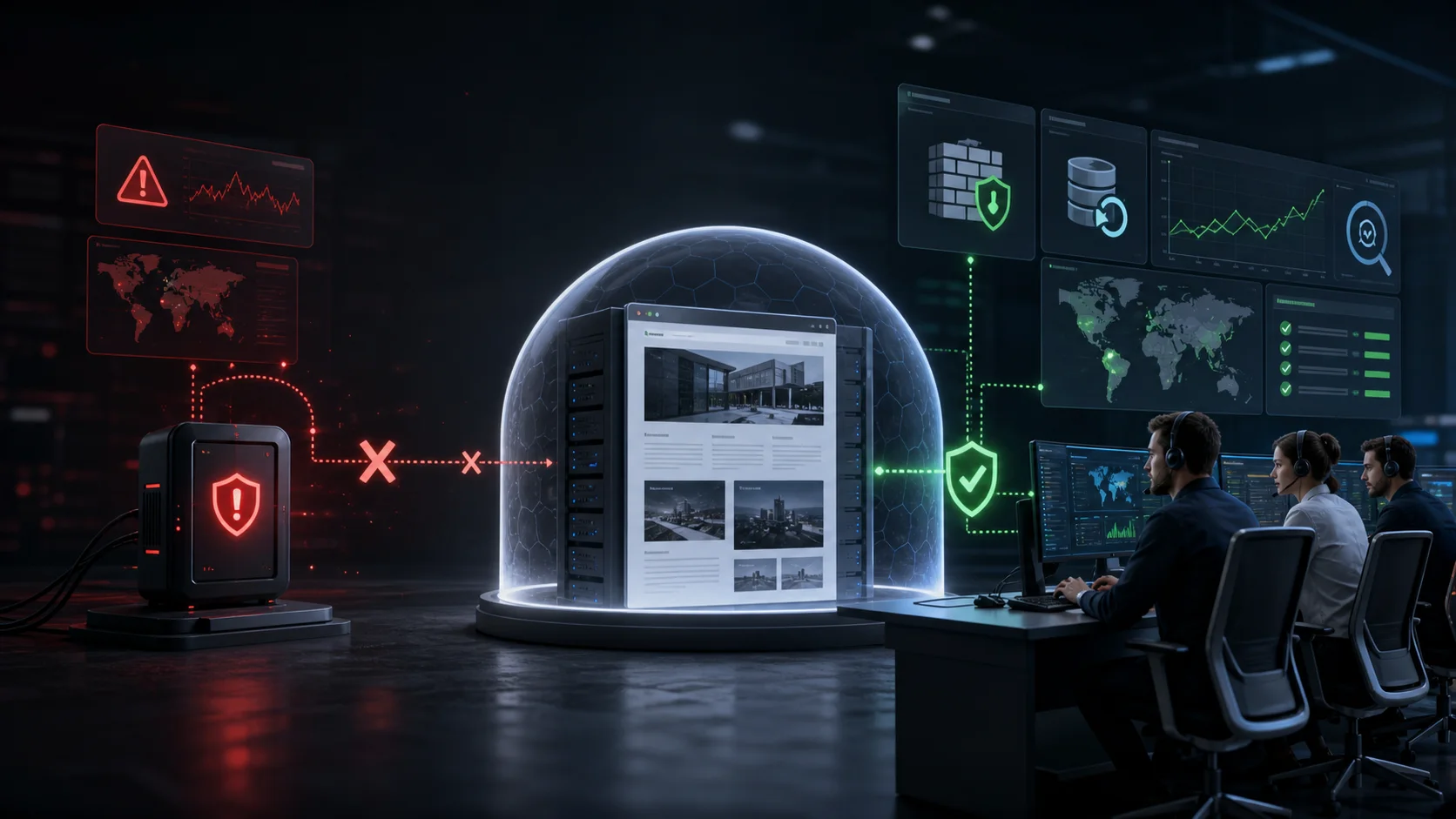
Managed WordPress security vs a security plugin - which is better?
Managed WordPress security and a security plugin do not solve exactly the same problem. A plugin is a technical tool: it applies rules, scans files, limits login attempts and sends alerts. A managed service adds people, processes and responsibility. Someone interprets the signal, investigates the event, restores the website and addresses the original entry point.
This does not mean every WordPress site needs a paid managed service. For a low-risk personal site with no revenue, personal data or business dependency, a well-configured plugin, timely updates and verified backups may be a reasonable balance.
For a website that generates leads, processes orders, receives paid advertising traffic or belongs to an agency client, protection is not only about having a tool. It also matters who responds and how quickly when that tool reports a problem.
What does a WordPress security plugin do well?
A good security plugin is a valuable protection layer. Typical capabilities include:
- limiting login attempts,
- blocking known malicious IP addresses,
- applying firewall rules,
- comparing WordPress core files,
- scanning for known malware signatures,
- reporting file changes,
- supporting multifactor authentication,
- warning about vulnerable or outdated components,
- recording administrative activity.
These controls are genuinely useful. The question is not whether plugins are good and managed services are good. Managed security also relies on technical components. The difference appears after detection: is there a reliable human decision and response?
Where does plugin responsibility end?
A plugin may alert you that a PHP file changed. Important questions remain:
- was the change caused by a legitimate update or an attacker,
- has the modified code already executed,
- which HTTP request created it,
- was there a successful administrator login,
- did the attacker place another backdoor elsewhere,
- was the database modified,
- should the website be isolated immediately,
- which backup could be clean,
- which passwords and keys must be rotated.
A plugin cannot automatically understand the business context. It does not know whether an API request is normal, a new administrator was approved or a theme modification came from a developer. Context, logs and professional judgment are required.
What is managed WordPress protection?
Managed protection places an operating process behind the technical controls. WebShield managed WordPress protection combines:
- continuous monitoring,
- AI-assisted firewall rules,
- backups every 2 hours,
- managed WordPress, plugin and theme updates,
- logging and event analysis,
- malware removal,
- recovery,
- expert support.
The goal is not to give the owner more alerts. The goal is to ensure significant events are handled and that an incident does not begin with searching for a specialist after the site is already unavailable.
The critical difference: who responds?
Time matters during a security incident. A Friday-night alert has limited value if nobody reviews it until Monday. Meanwhile, an attacker can create administrators, download data, generate spam pages or redirect visitors.
With a standalone plugin, the owner or operator is usually responsible for:
- noticing the alert,
- deciding whether it is a real attack,
- preserving evidence,
- containing the attack,
- cleaning the website,
- restoring operation,
- closing the entry point.
A managed service has an established process and expert capacity for those actions.
File scanning or incident investigation?
Malware scanners commonly search for signatures: known code fragments, obfuscation and suspicious functions. This helps, but an infection can be custom, database-based or conditional.
Malicious behavior may:
- activate only for visitors from search results,
- redirect only mobile user agents,
- arrive through external JavaScript,
- regenerate through a cron event,
- hide inside a legitimate-looking plugin file,
- return from another website in the same hosting account.
That is why Wordfence can report a clean site while an infection remains. Investigation may need files, database records, HTTP requests, users and an incident timeline together.
Backup feature or recovery capability?
Many plugins can create backups, but backup availability is not the same as recovery capability. Ask:
- how often backups run,
- where they are stored,
- whether storage is isolated from the compromised host,
- whether restoration has been tested,
- how a clean restore point is identified,
- how much data would be lost,
- who completes the restoration.
With one daily backup, an active online store can lose a full day of orders. Backups every 2 hours reduce the data-loss window, but someone still has to determine which state can be used safely.
Automated or managed updates?
Missing patches are a major risk, but blind automatic updates can break production. A managed update process checks whether the site remains available and can roll back when a release causes a failure.
This matters for business websites where a failed plugin update can cause as much immediate revenue loss as an attack. Security and availability cannot be managed independently.
What happens after an infection?
One-time cleanup often creates the wrong expectation: deleting visible malware is considered a final solution. If a vulnerable plugin, stolen password or hidden backdoor remains, the website can be compromised again. Our guide explains why WordPress gets reinfected after cleanup.
A durable recovery involves:
- preserving the compromised state and logs,
- removing malicious files and database changes,
- auditing administrators and access,
- patching or removing the vulnerable component,
- rotating passwords, keys and WordPress salts,
- purging cache layers,
- increased monitoring after restoration.
When can a standalone plugin be enough?
It may be a realistic choice when:
- the website is not business-critical,
- it does not process sensitive customer data,
- downtime has limited cost,
- a capable operator is available,
- somebody reviews alerts regularly,
- backups are tested and quickly restorable,
- an incident specialist is already known.
In that environment, a plugin combined with updates, multifactor authentication and backups can provide an acceptable level of risk.
When is managed security justified?
Managed protection is strongly justified when:
- the website produces revenue or leads,
- Google Ads or other paid campaigns depend on it,
- it operates as a shop or membership system,
- it processes personal information,
- client reputation is at risk,
- you manage multiple WordPress sites,
- no internal security specialist is available,
- the site has already been compromised.
For agencies, an important benefit is that every incident does not begin with finding an available specialist. Protection and response capacity belong to the same service process.
Questions to ask before selecting a service
Do not compare only feature lists. Ask:
- who receives and handles alerts,
- whether malware removal is included,
- how often backups run and where they are stored,
- whether recovery and reinfection handling are included,
- whether the entry point is investigated,
- whether updates are managed,
- what response time to expect,
- how many websites the plan covers,
- which logs and reports are available.
Price only makes sense in this context. An inexpensive plugin can be enough if the required expertise exists internally. Otherwise, the full cost includes operational time, missed alerts and incident recovery.
Practical decision examples
A small brochure site with a few hundred monthly visitors, no recurring revenue and no personal data has a different risk profile from an online store supported by paid campaigns. For the first site, it may be acceptable for the owner to apply updates, review alerts weekly and rebuild from a backup when necessary.
For an online store, several hours of downtime can mean lost orders. An attacker may access customer information, modify payment behavior or redirect visitors. Prevention matters, but so does having a recovery capability available before the incident.
A marketing agency has another challenge. Its team may be able to install and configure plugins, while continuously interpreting alerts across twenty or thirty client sites is a separate operational responsibility. One missed event can become both a technical incident and a client-trust problem.
Start with three questions:
- What would one day of website downtime cost?
- Who can respond meaningfully to an evening or weekend security alert?
- How quickly can we restore a demonstrably clean state?
If those questions have no specific answer, the current setup probably consists of security tools rather than a complete operating process.
Managed security is not a magic shield
No firewall, plugin or provider can guarantee that every future attack will be blocked. New vulnerabilities appear, credentials can leak and unsafe business decisions may still cause incidents.
The value of managed protection is not a promise of being unhackable. It is reduced risk, faster detection, a smaller data-loss window and an established owner and recovery path when something goes wrong.
When evaluating a provider, look beyond impressive percentages. Ask what is monitored, what happens after an alert, which evidence is preserved, how restore points are selected and how the team prevents the same compromise from returning.
Conclusion
A security plugin is an important tool, not an incident response team. If you have time, expertise and a defined process for alerts, it can be an effective foundation. When a website carries business value, managed WordPress security adds response, recovery and accountable operation to the technical controls.
WebShield plans and pricing scale by the number of websites. The WordPress security FAQ answers additional practical questions.