
WordPress incident response
My website was hacked - what should I do in the first 30 minutes?
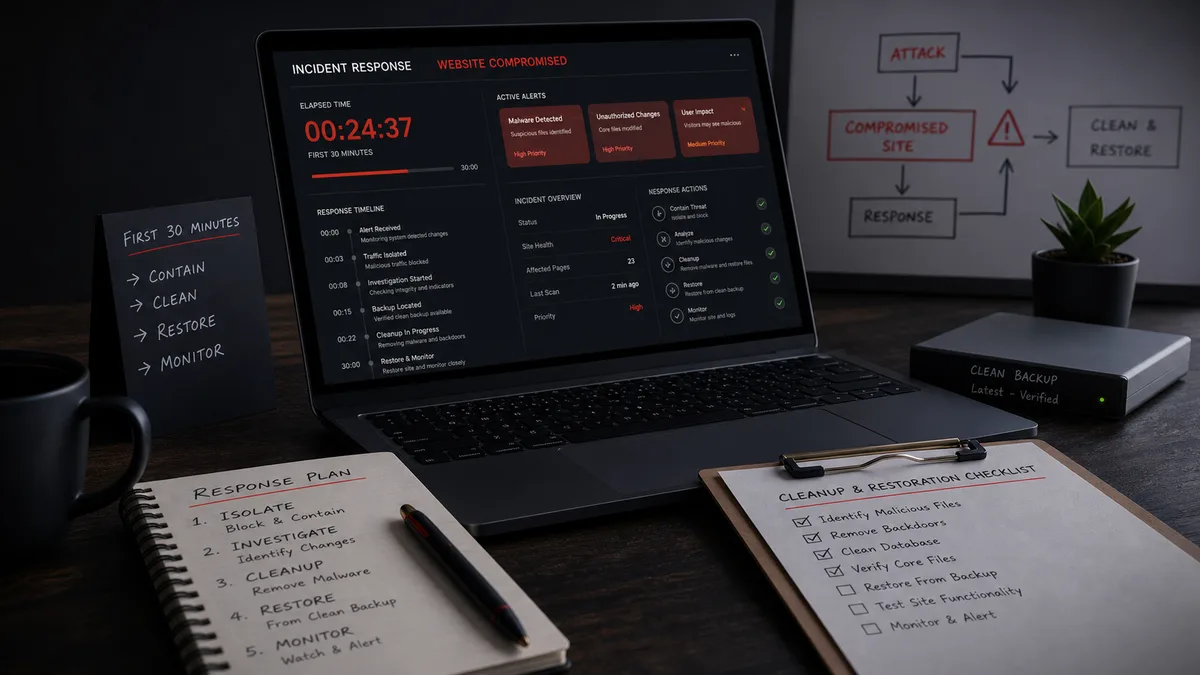
My website was hacked - what should I do in the first 30 minutes?
If your website was hacked, the first 30 minutes are not about solving everything perfectly. They are about limiting damage, preserving evidence, stopping further access and deciding whether the incident can be handled safely in-house.
Panic-driven cleanup often makes the situation worse. If you delete files blindly, you may lose the clues that reveal how the attacker got in. If you restore a backup without closing the entry point, the infection can return.
If you want a reliable cleanup, WebShield can perform a fast SOS recovery: inspect the site, remove malicious code, identify persistence and set up protection. For a business-critical website, this is often cheaper than guessing for hours while leads, orders or ads are affected.
Minutes 0-5: identify what is happening
Collect concrete symptoms:
- visitors are redirected,
- Google Ads or Safe Browsing displays a warning,
- an unknown admin account appeared,
- the hosting provider suspended the site,
- antivirus software warns visitors,
- Google shows spam or foreign-language results,
- content disappeared or changed,
- suspicious PHP files appeared.
Do not just write "hacked". Save screenshots, URLs, timestamps and warning messages. These details help determine whether the issue is SEO spam, redirect malware, account compromise or a server-side backdoor.
Minutes 5-10: preserve evidence
Before deleting or updating anything, try to save:
- access logs,
- error logs,
- WordPress database export,
- current file state,
- plugin list,
- administrator list,
- Search Console or Google Ads warnings.
This is not because you want to restore the infected state. It is because the entry point and persistence are often visible only in logs, timestamps and database records.
Minutes 10-15: reduce further damage
If the site actively redirects visitors or serves harmful content, use maintenance mode or temporary restrictions. For a webshop, the decision is more nuanced: downtime hurts, but compromised payment or customer data handling can be worse.
Immediate actions:
- disable unknown administrators,
- invalidate active sessions,
- disable file editing from WordPress,
- temporarily restrict admin access,
- stop suspicious automated jobs,
- pause new paid traffic to affected pages.
If redirects are the visible symptom, review our guide to WordPress redirect malware.
Minutes 15-20: rotate critical access
Changing the WordPress admin password matters, but it is not enough. Attackers often use hosting, SFTP, database or API access.
Rotate:
- WordPress administrator passwords,
- hosting control panel access,
- FTP/SFTP/SSH credentials,
- database credentials,
- CDN accounts,
- Google Search Console and Ads access,
- external API keys,
- deployment keys.
Regenerate WordPress salts so old login cookies become invalid.
Minutes 20-30: decide who cleans it
If you do not handle WordPress incidents regularly, do not learn on a live compromised website. Behind a simple-looking infection there may be a backdoor, fake plugin, cron job, hidden admin account or database-injected code.
Call an expert if:
- the website generates revenue,
- paid campaigns depend on it,
- customer or order data is handled,
- the entry point is unknown,
- infection returns after deletion,
- several websites share the same hosting account,
- Google or the hosting provider already flagged it.
WebShield SOS cleanup is not just a scanner run. We inspect files, database records, administrators, cron events, HTTP requests and logs. If you need a clean and working site quickly, use the SOS recovery option.
What not to do in the first 30 minutes
Do not delete logs. Do not restore a backup blindly. Do not assume a green scanner result closes the case. Do not keep old credentials. Do not restart paid traffic until you test the site from different devices, networks and referrers.
If Wordfence or another scanner says the site is clean but symptoms remain, read why a site can look clean while malware is still present.
Conclusion
In the first 30 minutes, focus on limiting damage, preserving evidence and restricting access. Complete cleanup is more than deleting suspicious files: you must find the entry point and persistence. If you want certainty, WebShield can clean the site quickly and set up protection that reduces the chance of reinfection.